Notebook
The components for the computer are listed below.
Outline of Disassembly
First, the lid of the system unit was unlatched and taken off. The hard drive was then taken out, along with the DVD drive. Next, the power supply unit (PSU) was removed from the system unit and set aside. Then, the RAM modules were unlatched from the motherboard. Later, the screws connecting the motherboard to the system unit panel were unscrewed, and the motherboard was removed. Finally, the fan was removed and any remaining parts attached to the system unit case were also removed, and the system unit's components were observed.
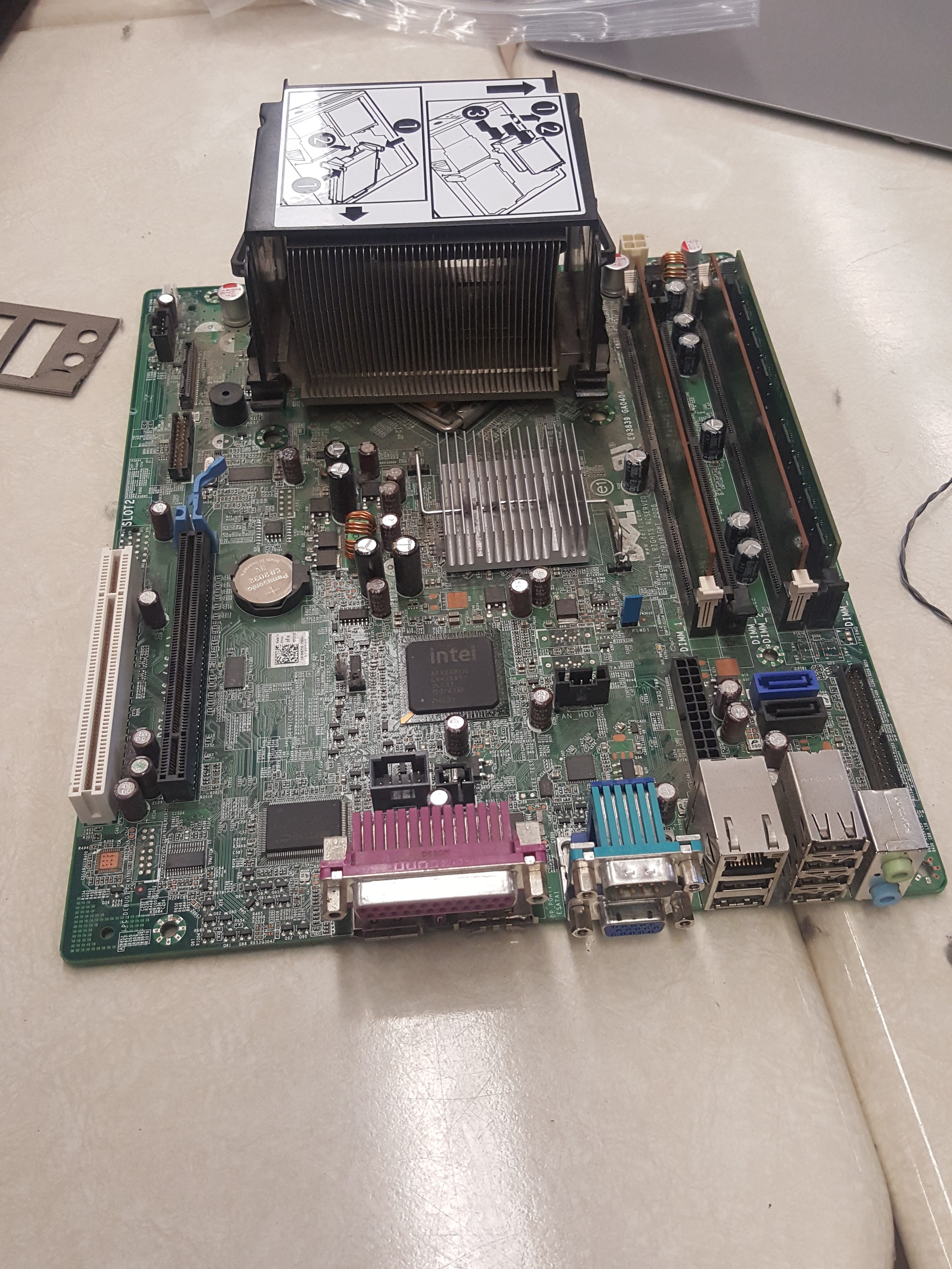
- Motherboard: large rectangular shaped circuit board that is coloured mainly green. The motherboard is located below the hard drive, toward the bottom of the unit's case from where you open it. Its principal functions are to distribute power to the major hardware components in the system unit and enables communication to parts like the RAM and the CPU. There are multiple parts which can’t be detached. This included the heat sink and the RAM sockets.
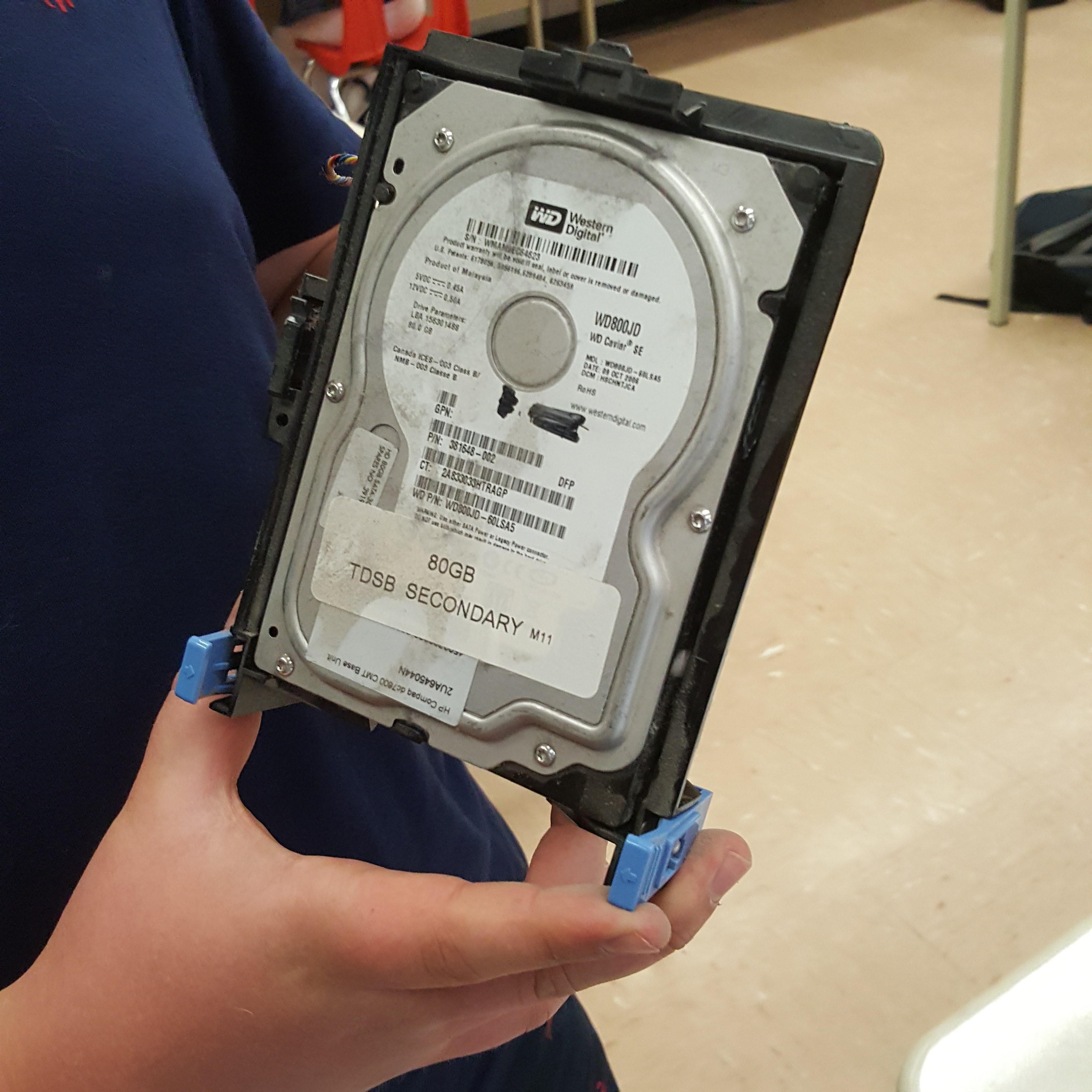
- Hard drive: has 80GB of storage. Wire coloured red, yellow, blue, and black attached to the bottom. There is a fan on the back of the hard drive and the case is made of a rectangle connected to a disc/circle shape.
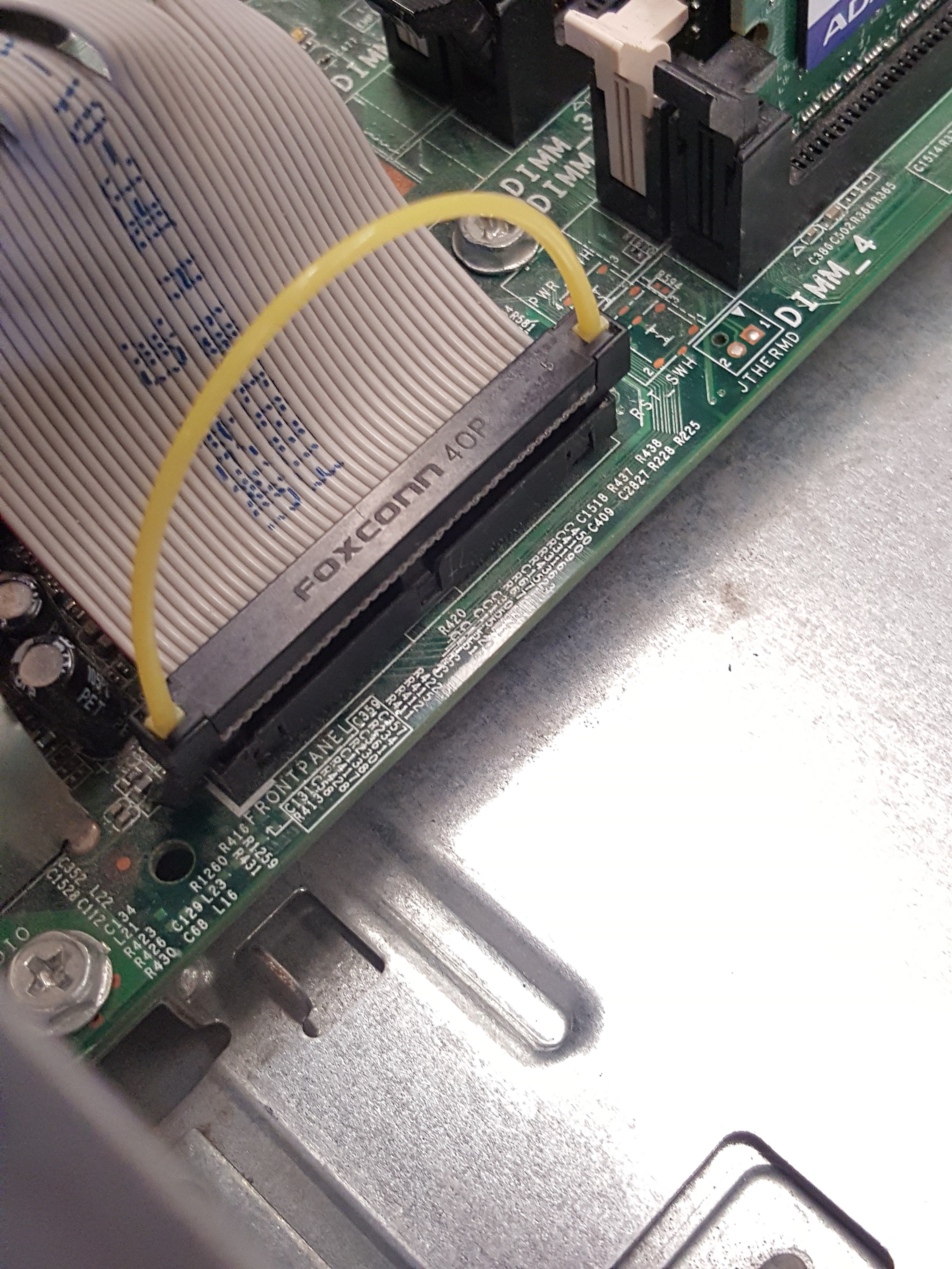
- Ribbon cable: a thin, flat, multi conductor cable that is generally used for internal peripheral connections in electronic systems.
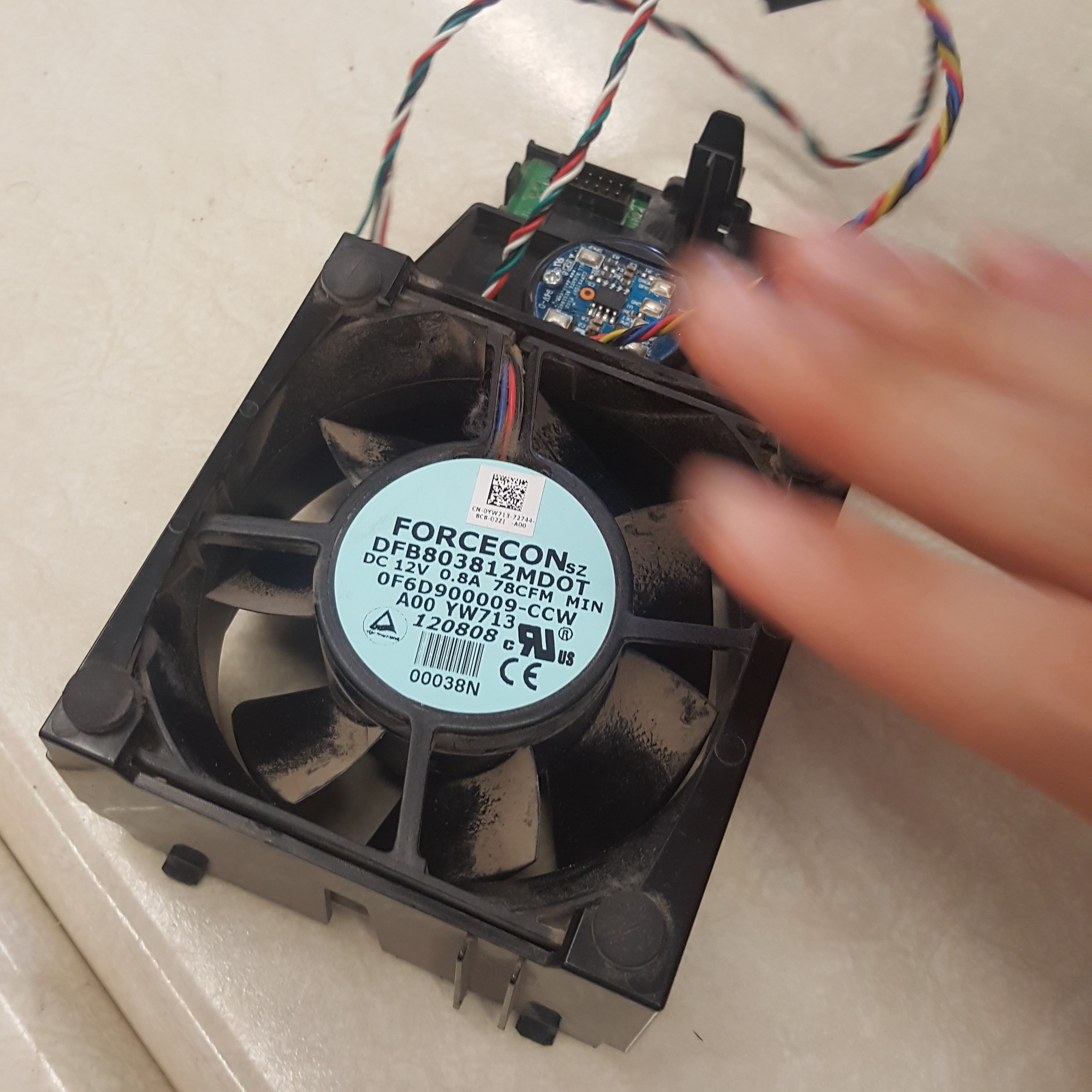
- Fan: made out of black plastic, with a lot of dust. It had 3 sets of wires that were attached, the fan was also attached to a square plastic casing. Has a cylinder in that centre that connects the parts of the fan.
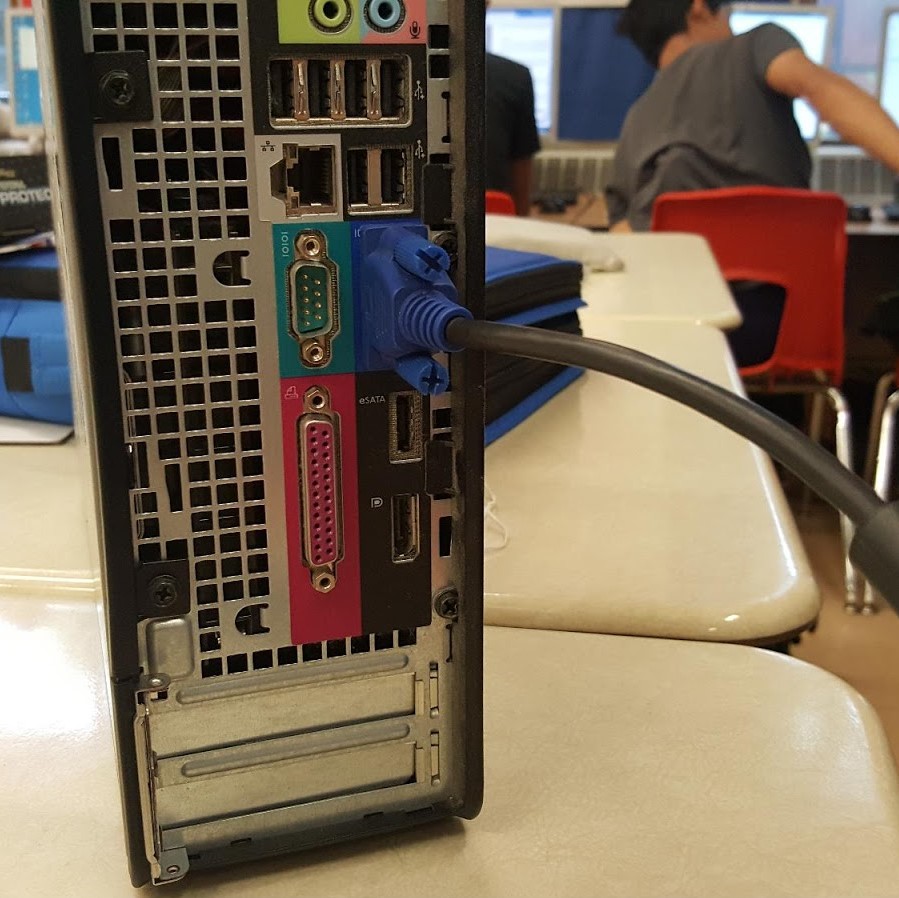
- I/O panel: the panel is used for keeping all the connectors in place. It can be used to plug in peripherals like headphones/speaker. The I/O panel is rectangular shaped, and separates different connectors by colour code.
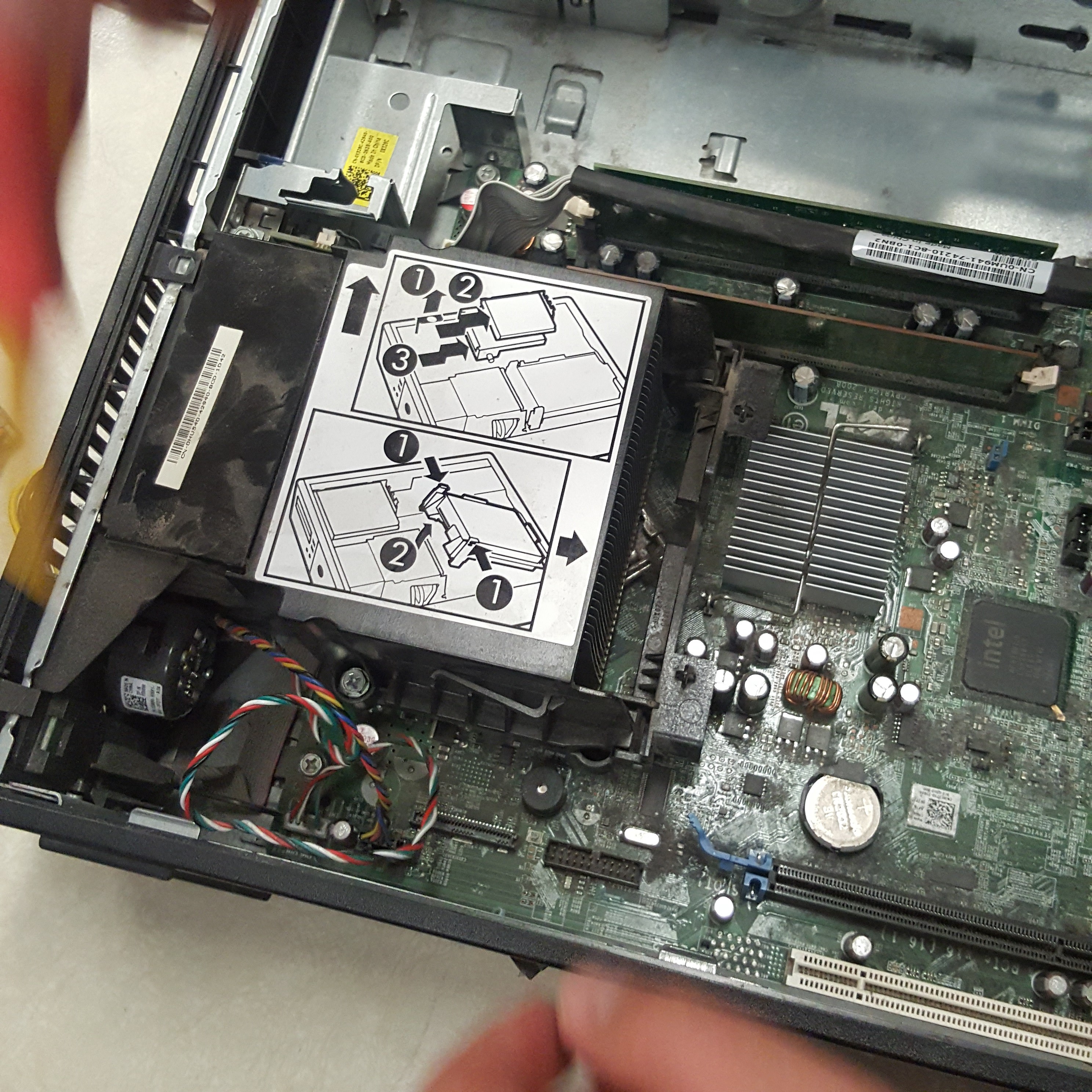
- Heat sink: type of device which keeps a high-temperature component, like a processor in cool condition. Most of the time, the heat sink is incorporated with a fan. A very useful component because if any components in the system unit overheat, it could lead to the monitor immediately shutting down.
There are two types of heat sinks: active heat sinks and passive heat sinks
- Active heat sinks: they use the computer’s power supply and the fans. They also use liquid cooling systems. Active heat sinks are also known as HSF (Heat sink and fan)
- Passive heat sinks: these components are considered much more reliable compared to the active heat sinks. They are normally made of aluminum-like radiators that block heat (using convection process). Airflow is quite crucial with this type of heat sink.
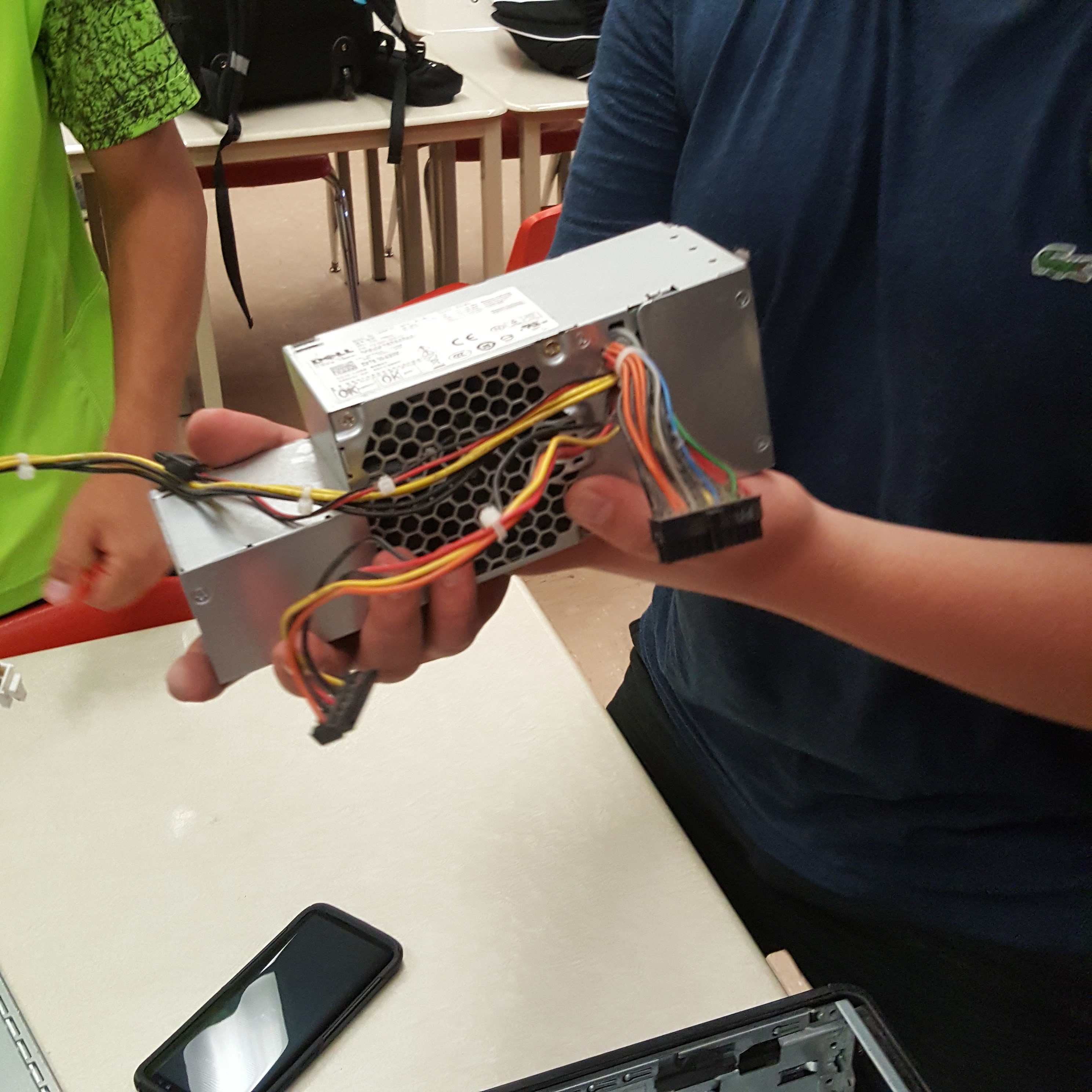
- PSU: the power supply unit, is a metal box that converts alternating current to low voltage, regulated direct current for the internal parts of the computer.
- CPU: miniaturized electric component which controls and performs basic arithmetic and logical operations. Covered by the heat sink, has a square shape, has a metal surrounding on it.
- GPU: miniaturized electric computer chip which performs basic arithmetic and logical operations, similar to the CPU, however GPU is primarily used for rendering images.
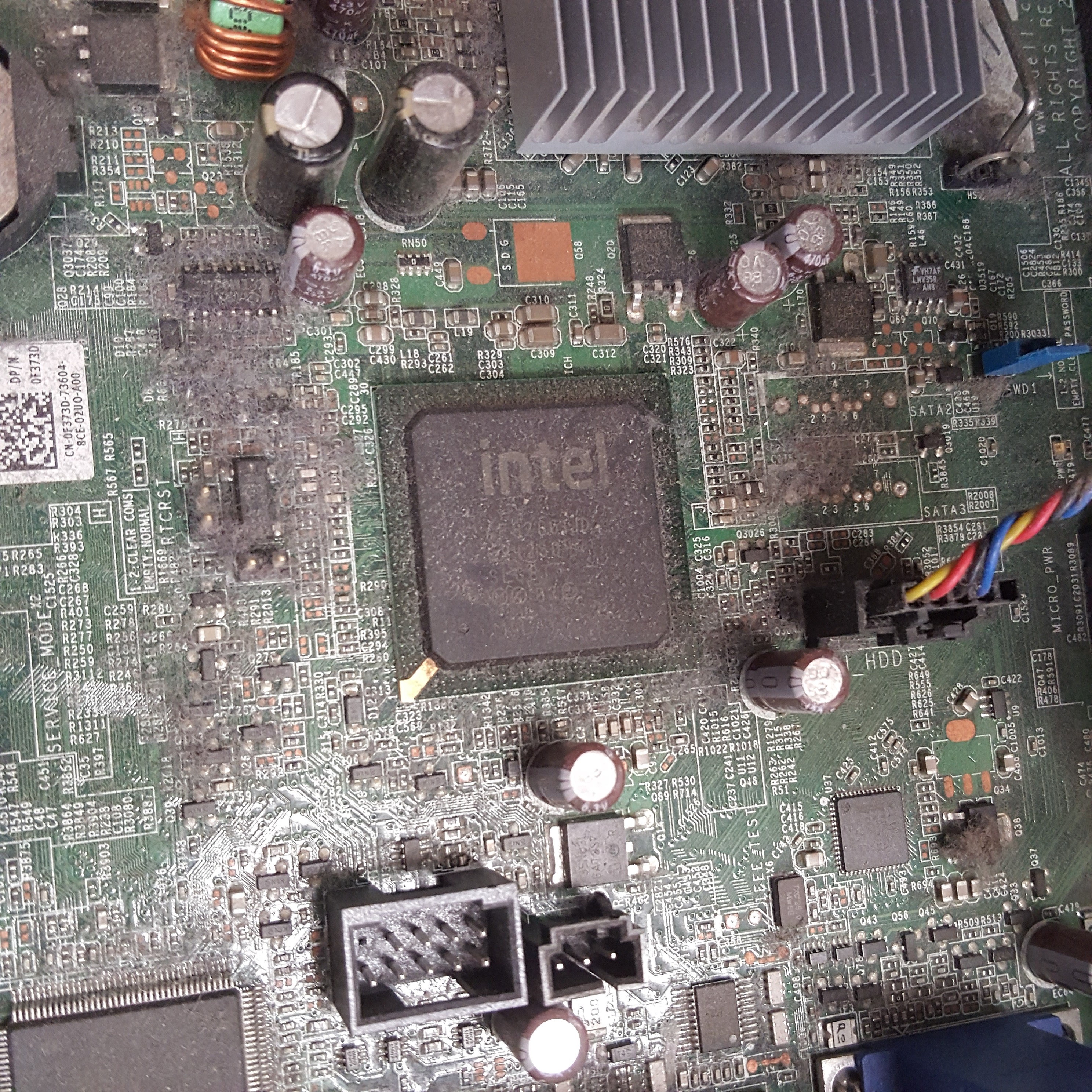
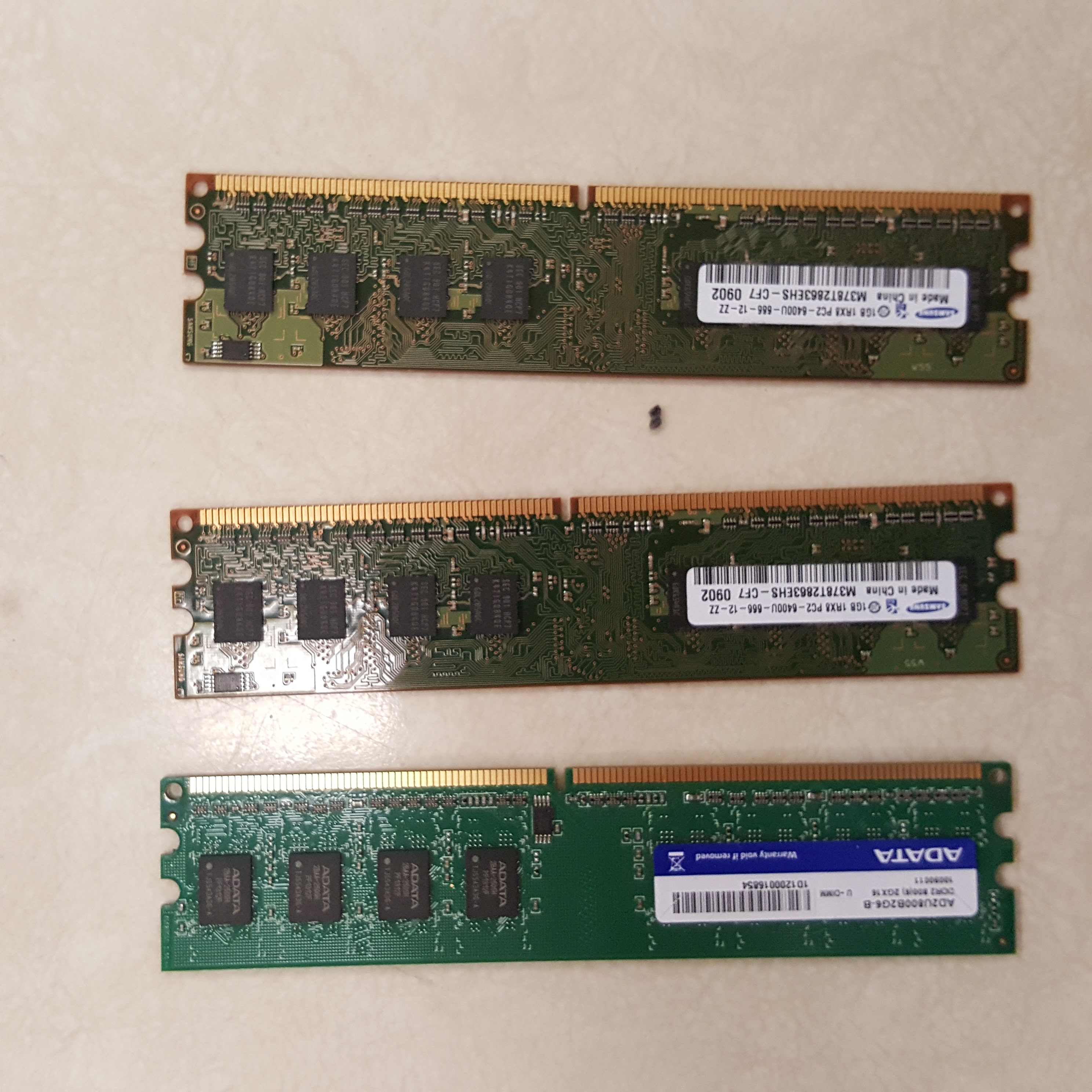
- RAM: abbreviation for random access memory. It is composed of small memory chips which form one memory module (shape of a “stick”). The memory modules are placed in the RAM slots on the motherboard. In our system unit, there were 3 memory modules of RAM. Two of the modules were 1GB, and the other was 2GB. Characteristics of RAM:
- Volatile
- Expensive
- Fast
- Almost all the time, the only component that can directly access the RAM is the CPU.
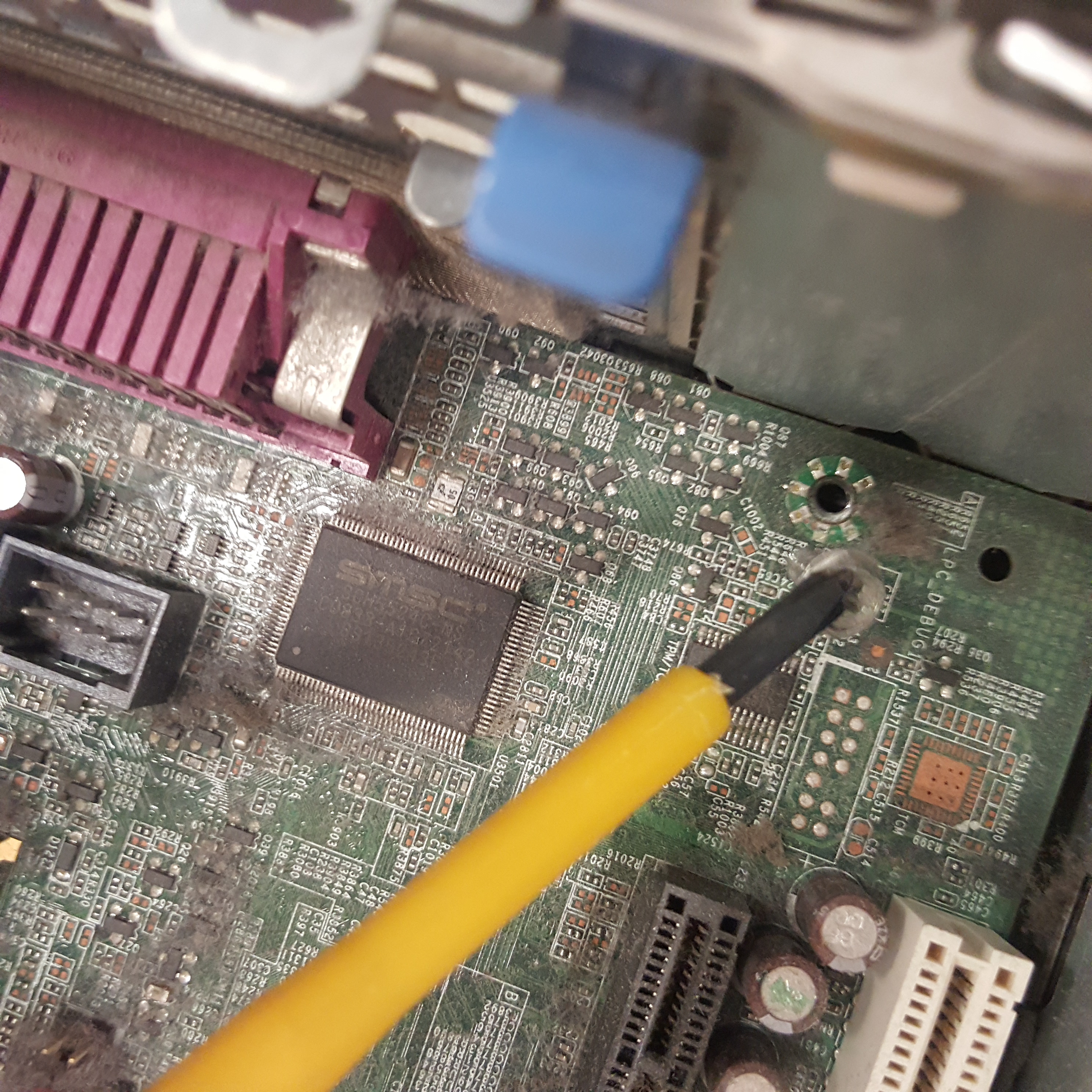
- ROM: abbreviation for Read-Only Memory. A rectangular-like black electronic component which contains unchangeable information to allow the computer to load the OS from secondary storage. In the system unit, there was one ROM.
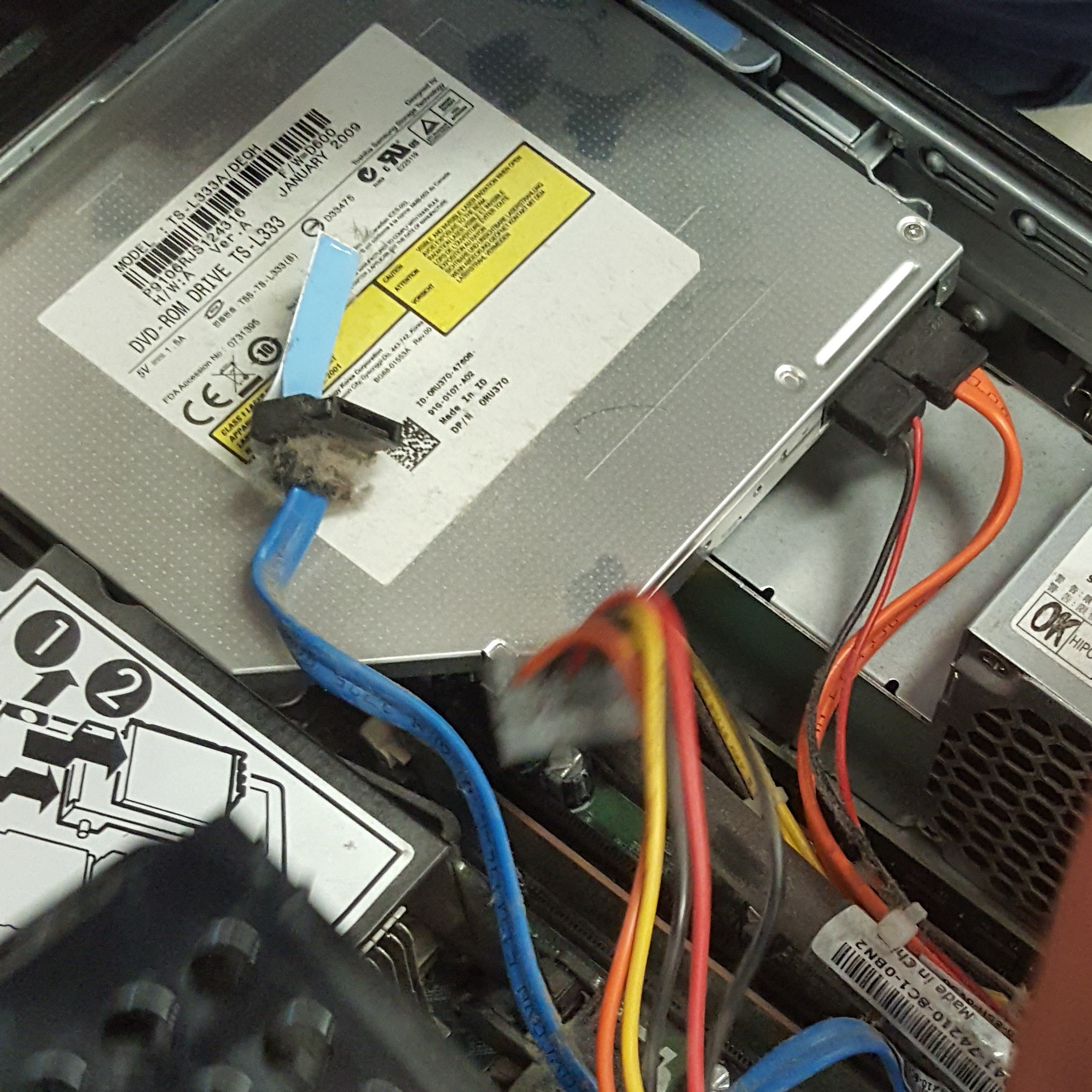
- DVD DRIVE: made mostly of metal, has an opening in the front used for inserting of a disk. There is a plastic component that ejects out of the metal part when the button has been pushed. In the plastic part there is a circular indent used for a disk.